MBOX Viewer

The MBOX Viewer Built for Search and eDiscovery

Open MBOX files from Gmail, Google Takeout, Google Vault, Apple Mail, or Thunderbird. Browse Gmail labels as folders, search every email by keyword, sender, recipient, and date, and export what you find with its metadata intact.
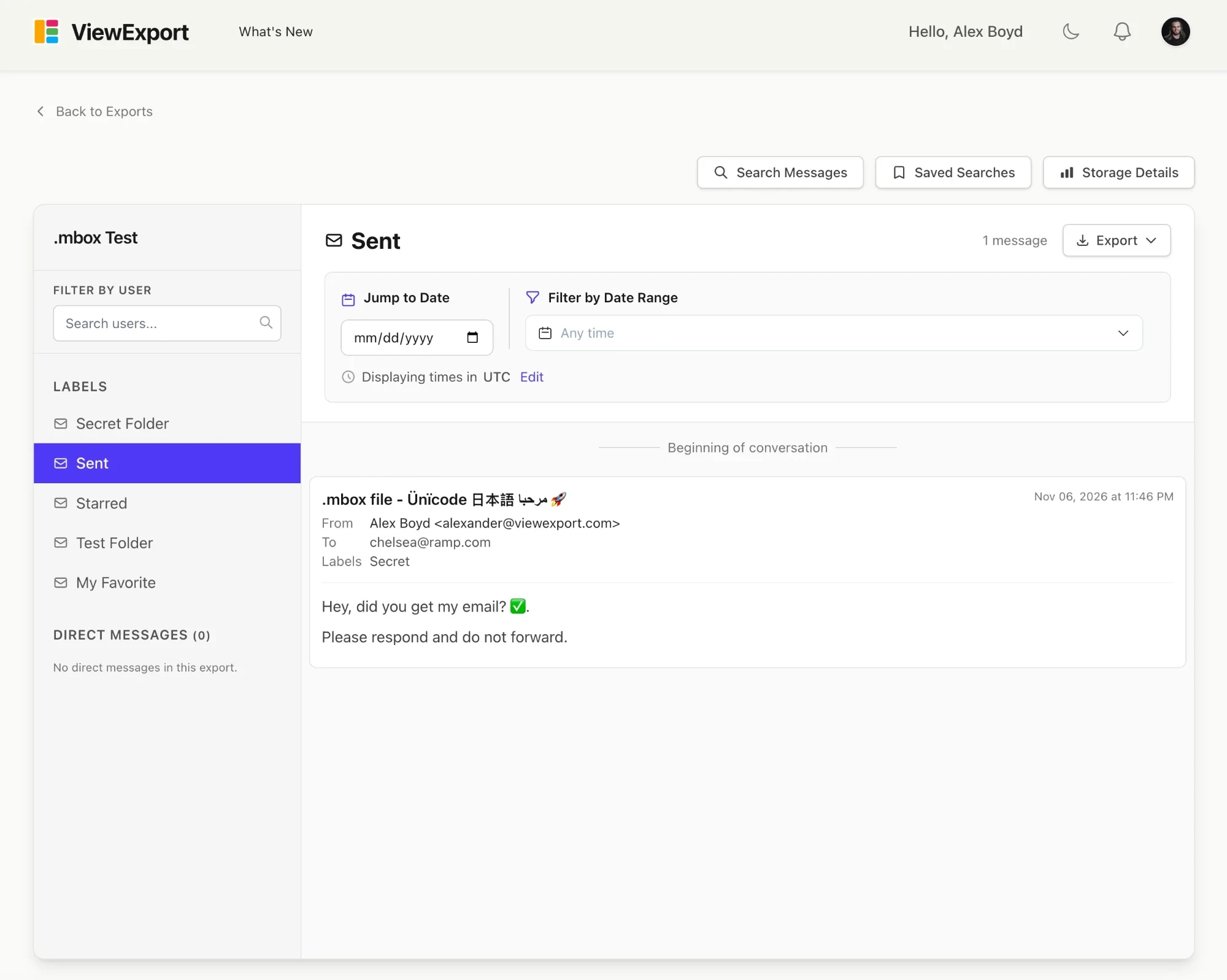
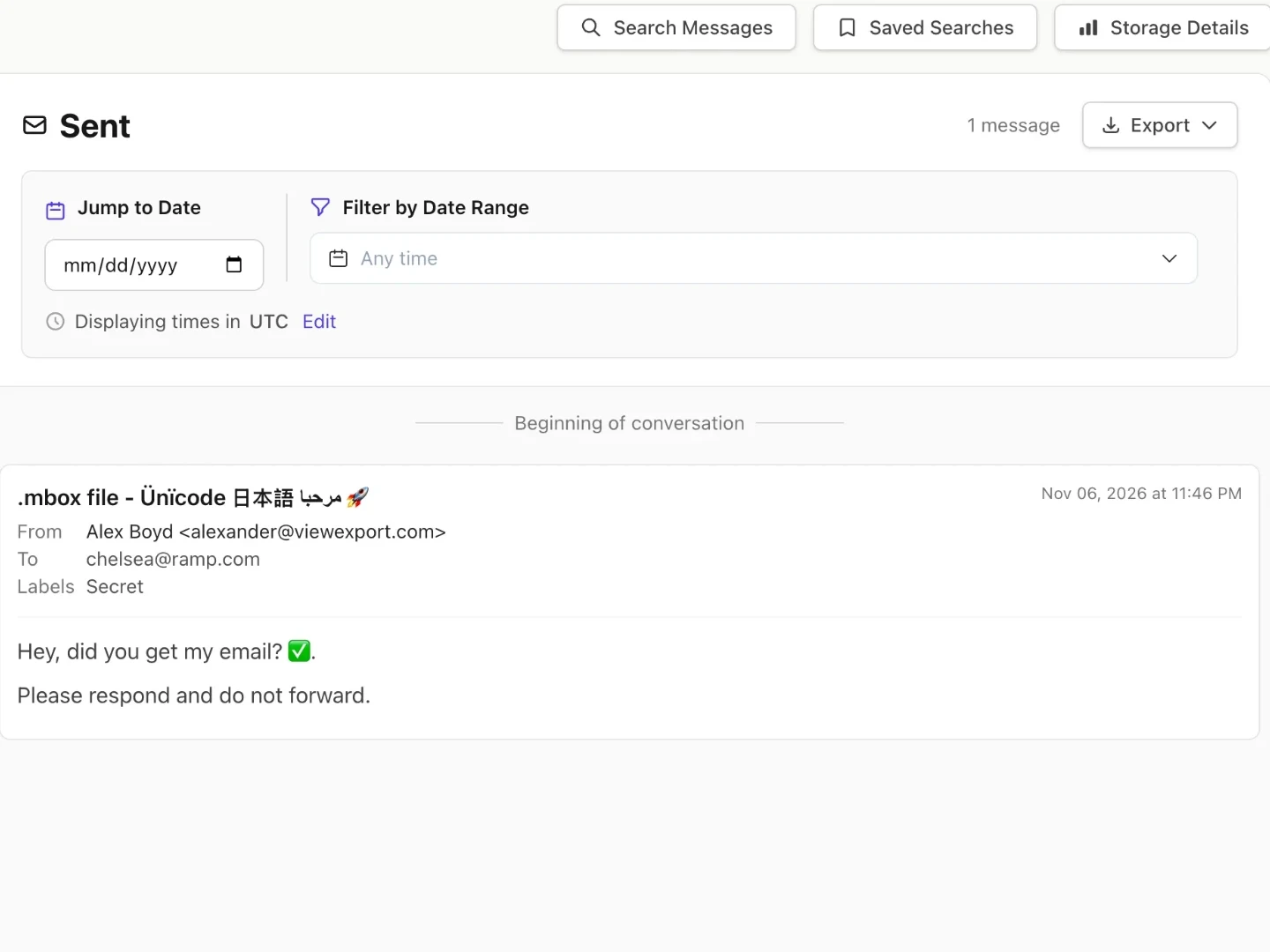
An imported Gmail MBOX export in ViewExport, with labels shown as folders and an email open
Where MBOX Files Come From

Gmail, Google Vault, Apple Mail, and Thunderbird all export MBOX.

MBOX is the most common open format for exported email. These are the places it usually comes from.

Gmail & Google Takeout

Google Takeout exports Gmail as MBOX inside a ZIP. Upload the ZIP as it is, and ViewExport keeps every label. Here’s how to export Gmail with Takeout.

Google Vault (Beta)

Google Workspace admins export Gmail for legal holds and investigations with Vault, which delivers MBOX files. Read more in our Google eDiscovery guide.

Apple Mail & Thunderbird

Desktop email apps save and export mailboxes as MBOX. Upload the .mbox file, and ViewExport shows each mailbox as its own folder.
How It Works

From Gmail export to searchable archive in three steps.

No email client to set up, and nothing to install in your Google Workspace.

1. Export from Google

Run Google Takeout or a Google Vault export and download the ZIP. Pick specific labels if you only need part of the mailbox.

2. Upload the ZIP or .mbox

Drop the Takeout ZIP or a single .mbox file into ViewExport, the same way you would upload a Slack export or a PST.

3. Search and export

Browse labels as folders, search subjects and bodies, filter by sender, recipient, and date, and export results to CSV, JSON, or PDF.
Gmail Labels Kept

Every Gmail Label Becomes a Folder.

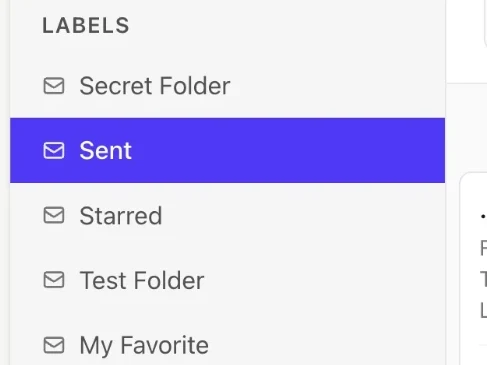
A Gmail export carries each email’s labels with it. ViewExport turns them back into folders, so the archive looks the way the mailbox did, including nested labels, Spam, and Trash.

  • An email with several labels appears in each folder.
  • Duplicates are merged, so search and exports count each email once.
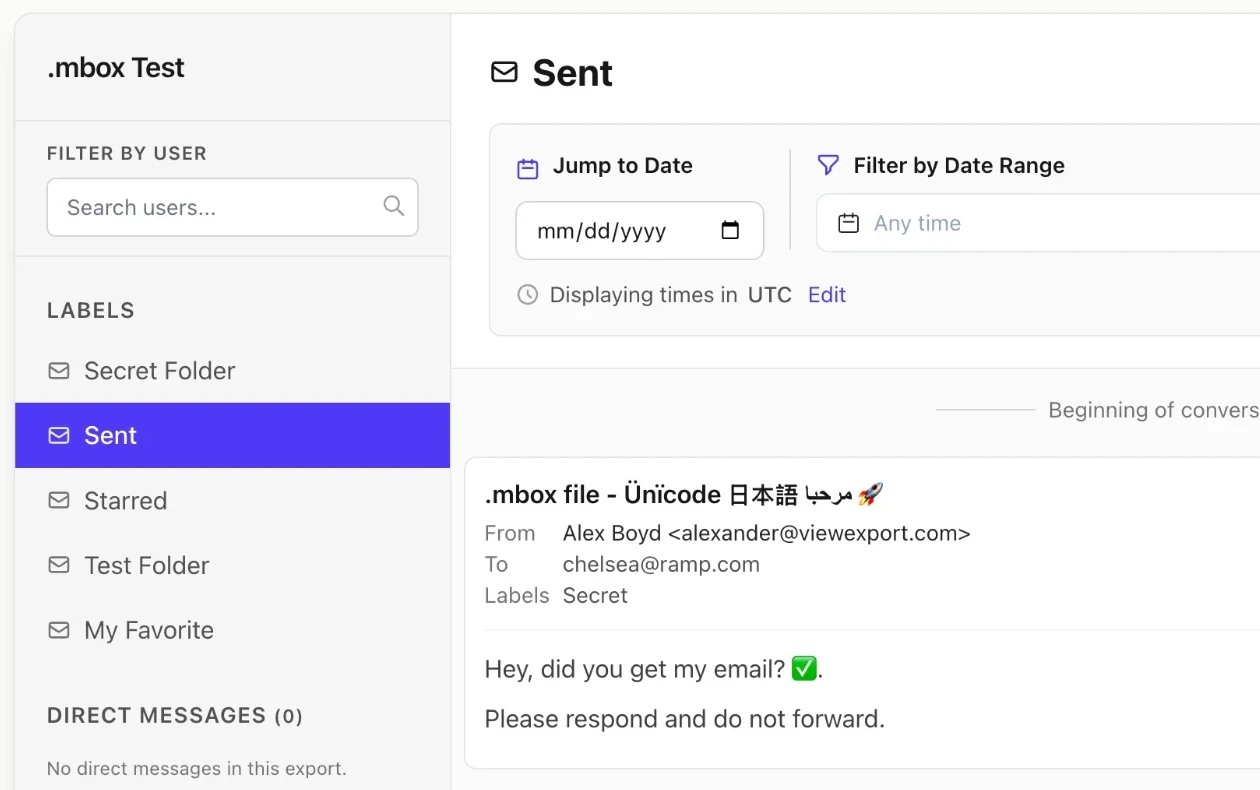
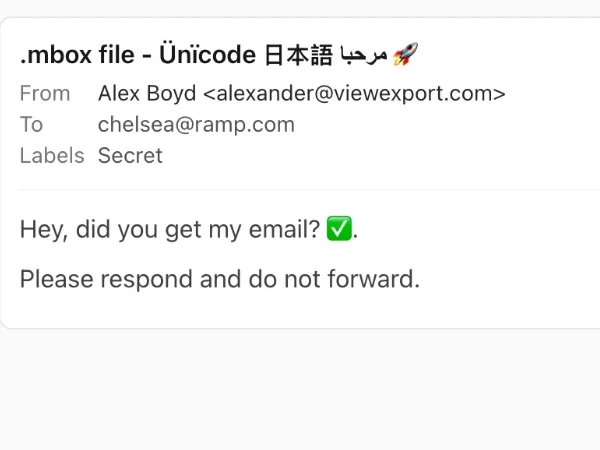
Gmail labels listed as folders, next to an email with its From, To, and Labels fields
Full-Text Search

Search Every Email by Keyword, Person, and Date.

Search subjects and message bodies across the whole archive, then narrow results by sender, recipient, and date range. Each email shows its full header: From, To, Cc, Bcc, date, and attachments.

  • Reads non-English text, emoji, and older character sets.
  • Shows inline images and lists every attachment.
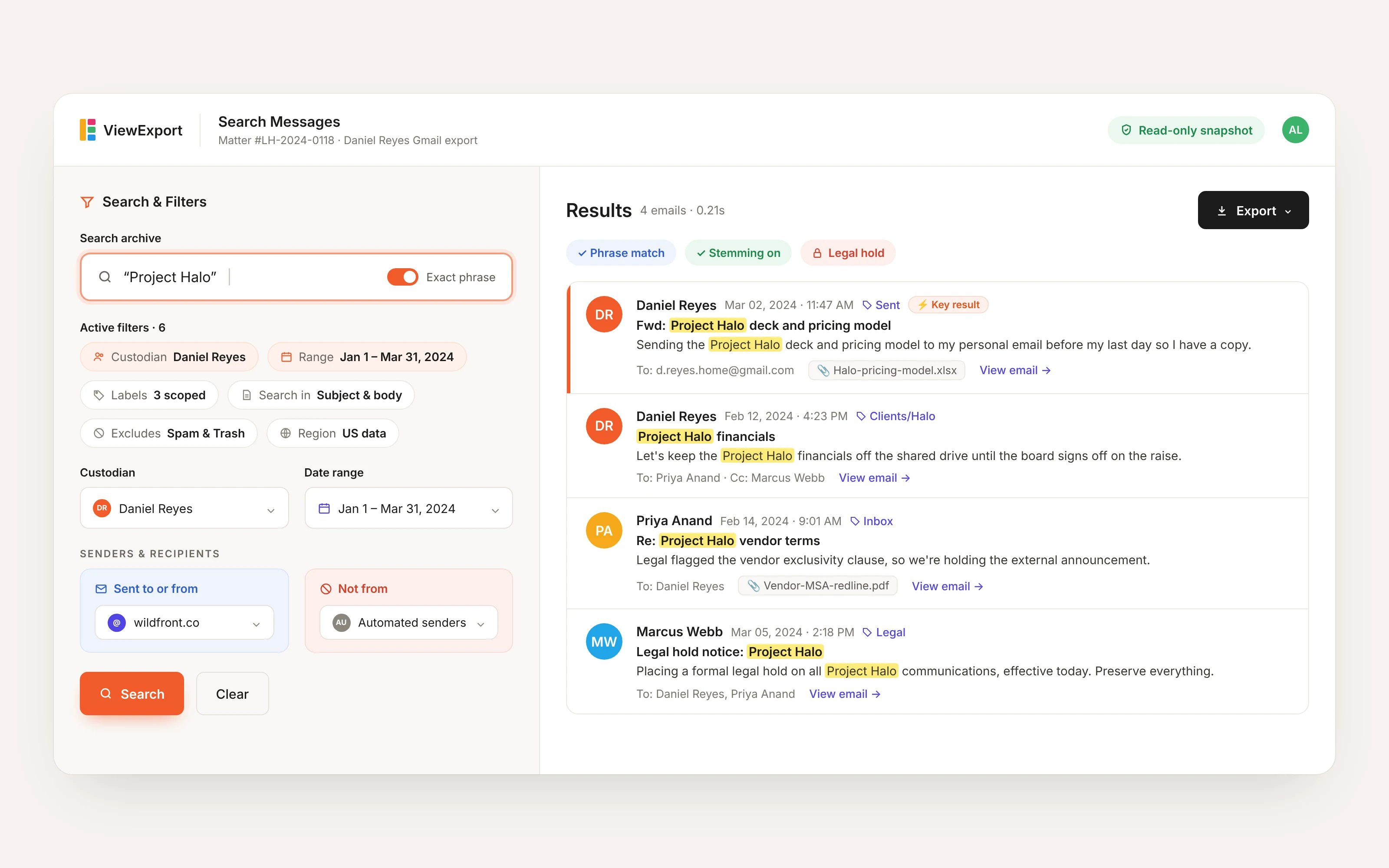
Searching a Gmail export in ViewExport for an exact phrase, filtered by custodian, date range, and sender, with highlighted email results
Email, Slack & Teams Together

One Place for Every Export in a Matter.

Investigations rarely stay in one app. Upload a custodian’s Gmail export next to their Slack export and Outlook or Teams PST, and review everything with the same search and export tools.

  • Same search, filters, and exports for every format.
  • Audit logs record every search, view, and export.
ViewExport dashboard with email and Slack archives
Why ViewExport

Built for review, from your first MBOX file onward.

Opening an MBOX in a mail app means importing it next to your current mail. ViewExport keeps the export as a separate, searchable archive you can review and share.
Gmail labels shown as folders in a separate ViewExport archive

No mail app import

Importing an MBOX into Apple Mail or Thunderbird adds it to the app you use every day. ViewExport keeps it apart, as a read-only archive.
Search, date filters, and export for an MBOX archive

Search across the whole archive

Find every message that mentions a name, project, or phrase, across all labels at once, and export the results with metadata.
An email with its From, To, and Labels metadata

Ready for legal and HR work

DSARs, HR investigations, and legal holds need a record of what was searched and shared. ViewExport logs every action.
Security

Enterprise-Grade Security, Built for Legal Workflows

ViewExport is designed with strict security, access controls, and audit trails to meet your legal, IT, and compliance standards.

Security Controls

Full documentation of our security architecture, access policies, and compliance practices.

Audit-Ready Logging

Every action is logged in detail for audit trails, legal defensibility, and compliance reporting.

Infrastructure

Hosted on secure, encrypted infrastructure with authentication, access control, and uptime protections.

Archive Snapshot Integrity

Static copy of your archive at time of upload, so later edits or deletions don’t change the record.

Local-Only Option

The desktop edition opens MBOX files entirely on your machine, for email that can’t leave your infrastructure.

Privacy Practices

GDPR-aligned policies for how we handle, store, and protect sensitive user and message data.
Testimonials

Trusted by attorneys and IT leaders.

Most customer testimonials are anonymized at their request.

“With ViewExport, we were able to easily work with a very large Slack export and resolve our incident much faster compared to other Slack export solutions. The tool has great functionality with improvements happening on a regular cadence as well as fantastic support from the ViewExport team.”
Matt R, Head of IT
Large Game Studio in California
Name and company redacted for client privacy.
“Glad for ViewExport - in Slack you can't filter easily by date range, which is annoying and not usable for Legal/eDiscovery. And Onna is way too expensive. You guys are perfect.”
Chief Information Officer
NYSE-Listed Adtech Company
Name and company redacted for client privacy.
“Handling DSARs is a massive pain point for me with GDPR compliance. We've been working around this problem for 6+ years, across multiple companies.”
Head of IT & Security
Midmarket UK Tech Company
Name and company redacted for client privacy.
“This is marvelous. I'm the Slack admin of my company and I'm tired of searching through the json files for messages for HR investigations. Now I can share relevant exports with legal in a few clicks.”

Deborah, IT Manager
Deborah, IT Manager
Large Not-For-Profit Organization
“With ViewExport, we were able to easily work with a very large Slack export and resolve our incident much faster compared to other Slack export solutions. The tool has great functionality with improvements happening on a regular cadence as well as fantastic support from the ViewExport team.”
Matt R, Head of IT
Large Game Studio in California
Name and company redacted for client privacy.
“Glad for ViewExport - in Slack you can't filter easily by date range, which is annoying and not usable for Legal/eDiscovery. And Onna is way too expensive. You guys are perfect.”
Chief Information Officer
NYSE-Listed Adtech Company
Name and company redacted for client privacy.
“Handling DSARs is a massive pain point for me with GDPR compliance. We've been working around this problem for 6+ years, across multiple companies.”
Head of IT & Security
Midmarket UK Tech Company
Name and company redacted for client privacy.
“This is marvelous. I'm the Slack admin of my company and I'm tired of searching through the json files for messages for HR investigations. Now I can share relevant exports with legal in a few clicks.”
Deborah, IT Manager
Deborah, IT Manager
Large Not-For-Profit Organization
FAQ

MBOX questions, answered.

Whether you're opening your own Gmail export or reviewing a custodian's mailbox, here's what to know.

MBOX is a plain-text format that stores a whole mailbox in one file, one email after another. Gmail, Google Vault, Apple Mail, and Thunderbird all export email as MBOX. Our guide to email file formats explains how it compares to PST, EML, and MSG.
Upload it to ViewExport in your browser, or open it in the desktop app. ViewExport reads every email in the file, so you can browse by folder and search right away. You don't need Gmail, Outlook, or Thunderbird installed.
Yes. The cloud edition runs in any modern browser on Mac, Windows, or Linux. The desktop edition is available for both Mac and Windows and keeps the file on your own computer.
Use Google Takeout: choose Mail, pick all mail or only certain labels, and download the ZIP. Our step-by-step guide on how to export Gmail with Google Takeout walks through each screen.
No. Upload the Takeout ZIP exactly as Google gives it to you, the same way you would upload a Slack export. ViewExport finds the MBOX files inside and reads them all. You can also upload a single .mbox file on its own.
Yes. Each label becomes a folder, including nested labels, Inbox, Sent, Spam, and Trash. An email with three labels shows up in all three folders, but only once in search results and exports.
Plan upload limits apply to MBOX files the same way they apply to Slack and PST files. If a full Gmail export is too large, run Takeout again and choose fewer labels. Each label downloads as its own smaller .mbox file that you can upload separately. You can also move to a larger plan.
Google Vault exports Gmail as MBOX files inside a ZIP, and ViewExport can open them. Vault support is in beta while we test more real-world exports. If you run into anything unexpected, let us know.
Free viewers are good for reading a single mailbox. ViewExport is built for review: full-text search, filters, exports with metadata, audit logs, and Slack, Teams, and PST data in the same place. See how we compare to GoldFynch.
We serve organizations with strict data governance requirements. Here's our full security overview. If the email can't leave your computer, use the desktop edition.

Have more questions?

Send a message to our team and we’ll help you out.